 Ember

Scan a code
Save a code and put it somewhere you can reach safely.
Choose your wake time and a manageable check. Make room for breakfast, a little movement or time for yourself without rushing.
Available now on iPhone and Android
Your check keeps the alarm quiet while you are active. Inactivity can bring it back. Complete your checks to disarm that wake-up session.

Set the time, days and a check that fits you. Leave room for enough sleep.
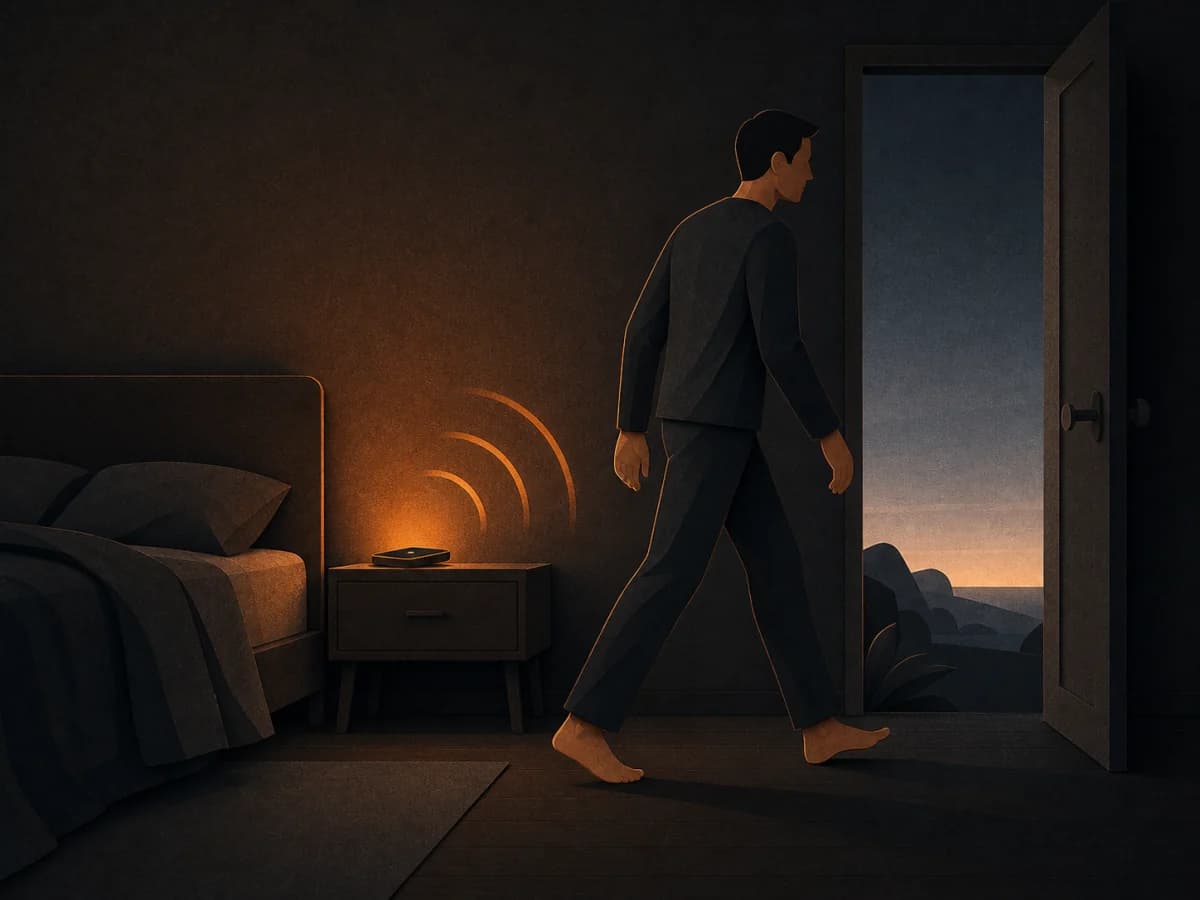
Work through your check. Active participation keeps the alarm quiet.

Finish the check, then turn to breakfast, getting ready or whatever you chose.
Silencing the ring does not complete the session. Active participation keeps it quiet; inactivity can bring it back. Finishing your checks disarms that session.
Start with one manageable check. Choose its difficulty and add others only if they help your morning.
Save a code and put it somewhere you can reach safely.
Use your own words and translations for a short quiz.
Choose the number and difficulty of the problems.
Put the tiles in place. Choose a 3×3 or 4×4 puzzle.
Choose a manageable step target for your wake-up check.
Choose a comfortable step target. On supported devices, you can lock the screen after starting. Detected steps keep the alarm quiet; a pause before the target can bring it back.
See how it worksAchievements unlock collectible embers and app themes. Choose a look that feels like yours.
See the steps you have taken. Wake-check history, streaks and points make app activity visible. Keep a little encouragement for the next start.
Practical guides to sleep opportunity, waking and useful daytime energy. Choose what fits your life, with research and its limits made clear.
Leave room for sleep, choose one realistic first action and reduce a little friction. Evening preparation should make tomorrow easier, not become another job.
Read guide
A practical look at sleep, daylight, movement and caffeine. What the research suggests, and small changes you can try in your own day.
Read guideDownload Ember from the App Store or Google Play.
